
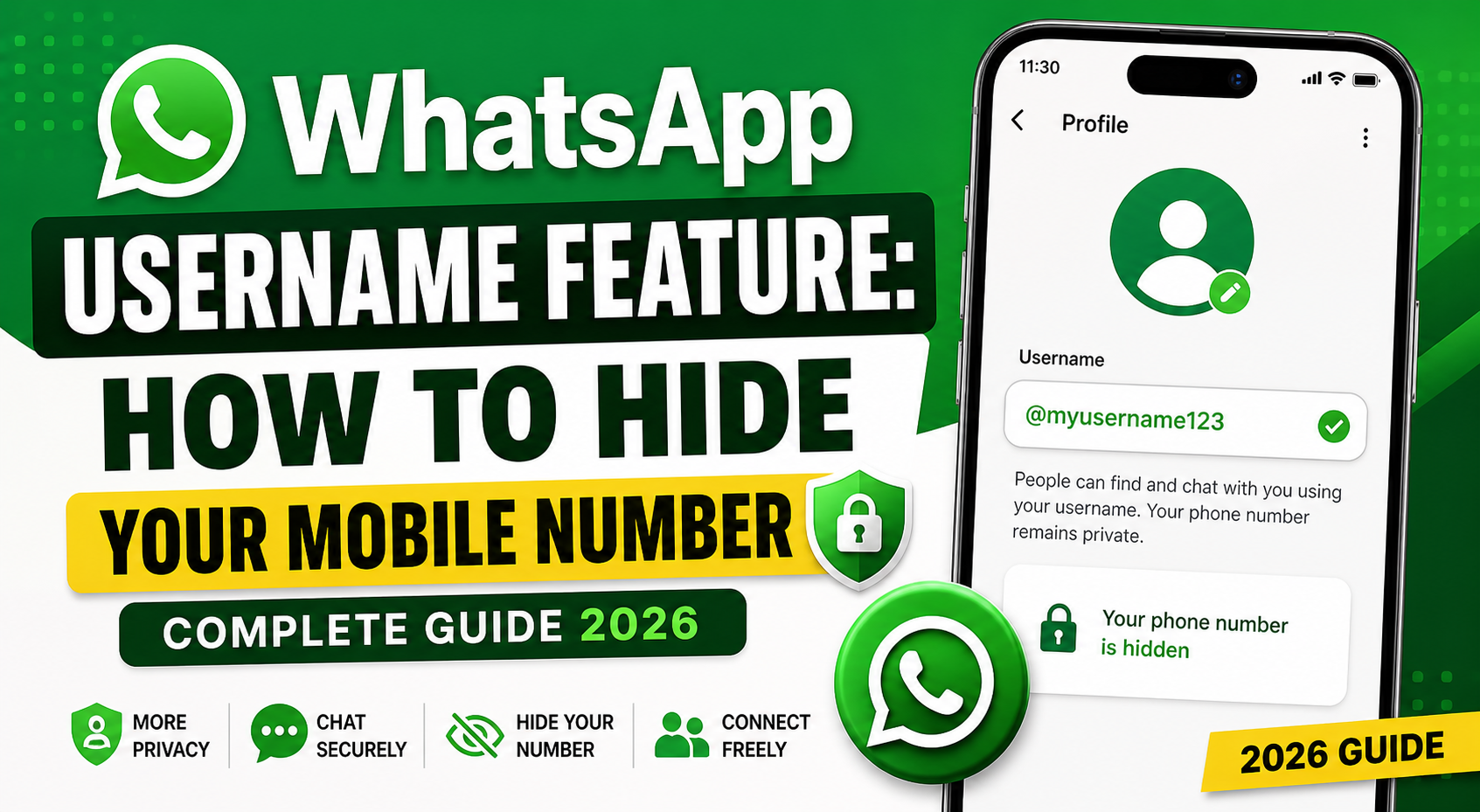
In today’s digital world, privacy is no longer optional—it’s essential. With messaging apps becoming the backbone of communication, users are increasingly concerned about sharing personal details like their phone numbers. That’s where the new username feature introduced by WhatsApp comes into play.
This feature allows you to connect with others without revealing your mobile number—bringing WhatsApp closer to platforms like Telegram in terms of privacy and flexibility.
In this detailed guide, you’ll learn how to hide your mobile number on WhatsApp, how the username feature works, its benefits, and how to access it early.
What Is the WhatsApp Username Feature?
The username feature is a new privacy-focused update that allows users to create a unique identity (username) instead of sharing their phone number.
Once enabled:
- People can search you via your username
- Your phone number stays hidden
- You control who can connect with you
This shift marks a major step toward secure communication and user privacy.
Why You Should Hide Your Mobile Number on WhatsApp
1. Protect Your Privacy
Sharing your number with unknown people can lead to spam calls, unwanted messages, or even data misuse.
2. Avoid Spam & Scams
Keeping your number hidden reduces exposure to scammers and promotional messages.
3. Maintain Professional Boundaries
If you’re using WhatsApp for internships, job communication, or networking, a username adds a layer of professionalism.
4. Safer Online Interactions
You can share your username publicly without worrying about personal data leaks.
How to Hide Your Mobile Number on WhatsApp
Once the username feature is available on your device, follow these steps:
Step-by-Step Guide:
- Open WhatsApp
- Tap on the three-dot menu (top-right corner)
- Go to Settings
- Tap on your Profile Name
- Select Username
- Enter a unique username
- Save your changes
👉 After setting your username, others can find you without seeing your phone number.
Username Rules You Must Follow
While creating your username, keep these guidelines in mind:
- Length must be between 3 to 35 characters
- Must include at least one letter
- Cannot start with “www.”
- Cannot end with domain extensions like .com, .net
- Only symbols are not allowed
These rules ensure usernames are meaningful and easy to identify.
How to Get WhatsApp Username Feature Early
Since this feature is rolling out gradually, not everyone will see it immediately. But you can try early access using the beta program.
Steps to Join Beta Program:
- Open Google Play Store
- Search for WhatsApp
- Scroll down and find Join Beta
- Tap Join
- Update the app to the latest version
👉 If beta slots are available, you may get early access to the username feature.
Additional Privacy Settings You Should Enable
Even with usernames, you should optimize your privacy settings for better control.
Recommended Settings:
- Last Seen & Online → Set to My Contacts or Nobody
- Profile Photo → Visible to Contacts Only
- About Info → Limit visibility
- Groups → Restrict who can add you
These settings, combined with usernames, give you full control over your digital identity.
Benefits of Using Username Instead of Phone Number
| Feature | With Phone Number | With Username |
|---|---|---|
| Privacy | ❌ Exposed | ✅ Hidden |
| Spam Risk | High | Low |
| Professional Use | Limited | Better |
| Easy Sharing | No | Yes |
Things to Keep in Mind
- The feature is still under gradual rollout
- Beta access is limited
- Final version may include more privacy controls
- Not all regions/devices will receive it at the same time
Final Thoughts
The introduction of usernames by Meta Platforms is a big step toward privacy-first messaging. It empowers users to communicate freely without exposing personal contact details.
If you frequently share your number for internships, networking, or online communities, this feature will be a game-changer.
For Latest Update